In Sandboxels, making a Sun usually means selecting the Sun element from the palette, not combining two ingredients. This guide shows where to look, how to place it and how to verify the result without confusing a selection step with a recipe.
✓
Short answer
Open the element palette, search for Sun, select it and place it in a clear area. If search is unavailable, browse the energy or special-element group used by your build. You do not need flour, water or a separate crafting chain just to place the Sun element.
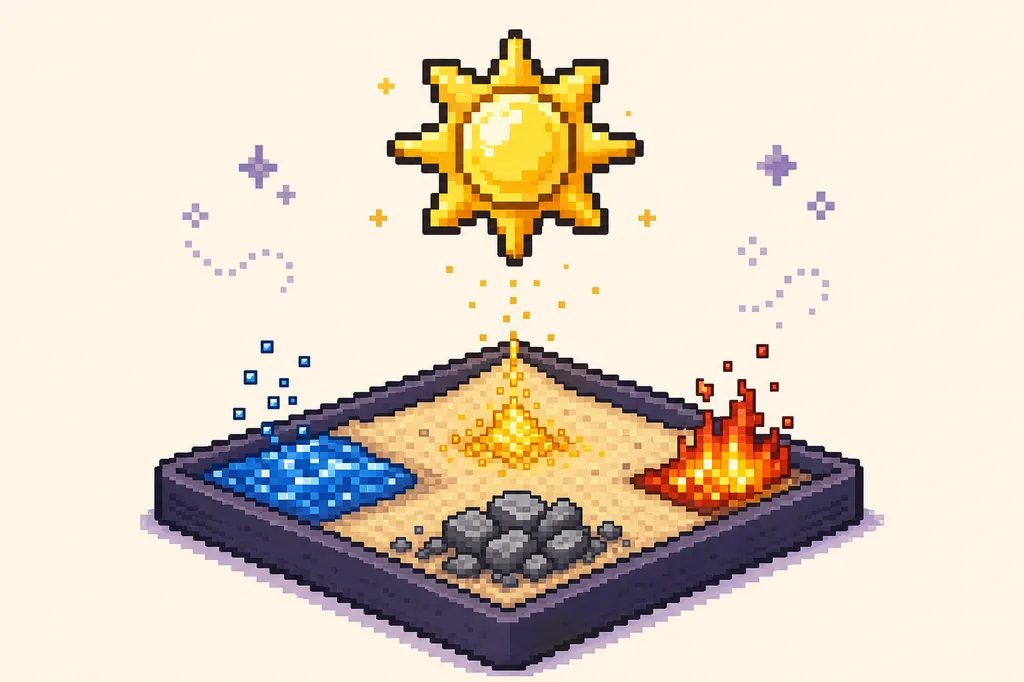
Editorial illustration: the Sun element is shown as the subject of a small, controlled Sandboxels experiment.STEP-BY-STEP
Find and place the Sun element
1
Open a clean experiment
Start in an empty corner or a new test world so unrelated pixels, heat and active mods do not hide the first result. A small area makes it easier to see where the Sun is placed and what changes afterward.
2
Search for Sun
Open the element palette and type Sun into its search field. Use the exact element label shown by the game. If the palette has no search, browse the energy or special group and look for the bright Sun icon.
3
Select the element
Click or tap the Sun entry so it becomes the active element. The selected swatch, cursor or tool label should change before you draw on the canvas. If the name is difficult to find, confirm the spelling in the companion element catalog first.
4
Place and observe
Click or drag once in the clear test area, then pause or step the simulation when you need a closer look. Record the visible state before adding water, fire, cooling or any modded material.
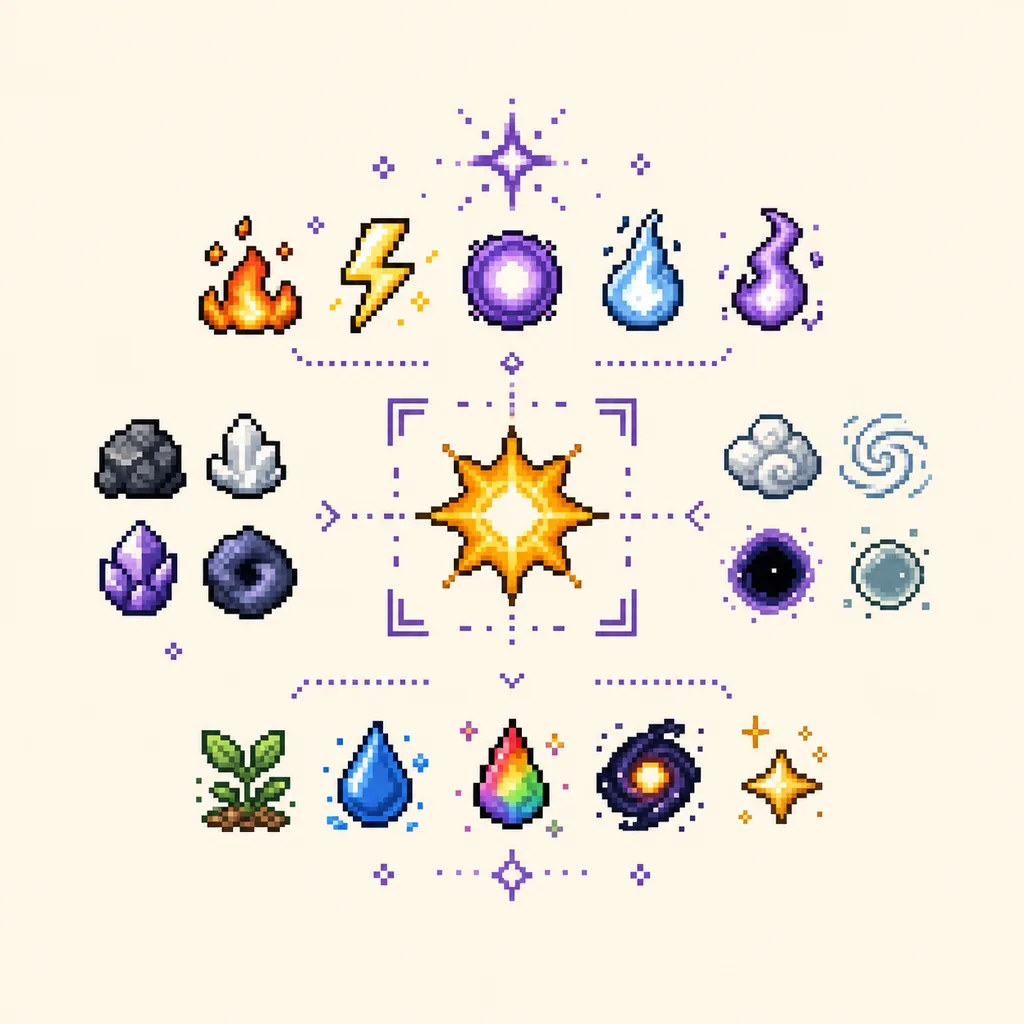
Illustrative element grouping: category labels can differ, so search for Sun first and use the palette as a visual check.
Do not treat Sun as a guaranteed recipe
A question that says how to make a Sun can describe an element lookup rather than a reaction. Do not add random ingredients to force a recipe. If your build exposes a different Sun interaction, test that interaction separately and record the version, placement, temperature and enabled mods.
WHY THE ANSWER IS DIFFERENT
How to make a Sun in Sandboxels without guessing
The word make is easy to misunderstand in a falling-sand game. Some Sandboxels questions are true combinations: two elements touch, a condition is met and a new result appears. The Sun question is often a palette question instead. You create the visible object by choosing the existing Sun element, then you decide what experiment to run with it.
Begin with a clean test space. Remove unrelated pixels or move to an empty corner before opening the palette. This is not just a visual preference. A crowded world can make it hard to tell whether you selected Sun, whether the cursor placed it, or whether an older fire, water or heat source changed the area first.
Use the exact name shown in your current interface. The companion catalog uses Sun as the canonical English label, while a localized page may explain it as the local word for the sun. Search for the game label first, then read the localized explanation around it. This keeps the page useful when an element name stays in English for compatibility.
Category labels are another place where builds can differ. One interface may group Sun with energy, while another may present it under a special or advanced section. Search is the quickest path. If search is missing, scan the categories that contain bright, high-energy or special elements instead of assuming the item must be made from fire.
The small companion finder on this page is useful for confirming the spelling and loading Sun into the element catalog. It is not a replacement for the official game. Use it to choose the next test, then repeat the selection and placement in the browser or desktop environment you actually play.
After placing Sun, pause before adding anything else. Look at its position, movement and nearby pixels. If you immediately add water, fire, metal or a modded element, an interesting effect may occur, but you will not know which condition caused it. A single-element baseline gives you a better comparison for the next attempt.
If you want to explore what Sun does, make that a second question: what happens when Sun meets a particular element under a particular condition? Keep the first Sun placement as the control, reset the area, add one new input and note the result. This turns an open-ended experiment into a repeatable observation without claiming that every build has the same reaction.
Temperature and timing deserve their own notes. A moving pixel may pass another element without a visible change, while a paused simulation may hide an effect that would appear after several steps. Write down whether the simulation was running, paused or stepped, and whether a heat source or cooling condition was present.
Mods can also change the meaning of a simple answer. A mod may add a new Sun variant, rename a palette group or change how energy elements interact. If the item is missing, check the active mod list and try the unmodified environment first. Do not download an unknown script just to obtain one element; use the source and safety guidance on the Mods and Download pages.
The official Sandboxels Wiki is a useful reference for the element identity, but a reference page is not proof that every current fork, mod pack or desktop build behaves identically. Compare the official description with the environment where you play. When the two differ, preserve the context rather than presenting one result as universal.
A good note for this task is short: platform or browser, build or version if visible, active mods, category used, exact element label, placement location and what happened after one or two steps. Those details help you reproduce the result later and make it easier to tell a missing element from a failed interaction.
The clearest answer to how to make a Sun in Sandboxels is therefore: find Sun, select Sun, place Sun, and observe it in a clean test. If a later experiment needs water, heat or another element, treat that as a new controlled question. The distinction keeps the guide honest and keeps your next Sandboxels test easy to understand.
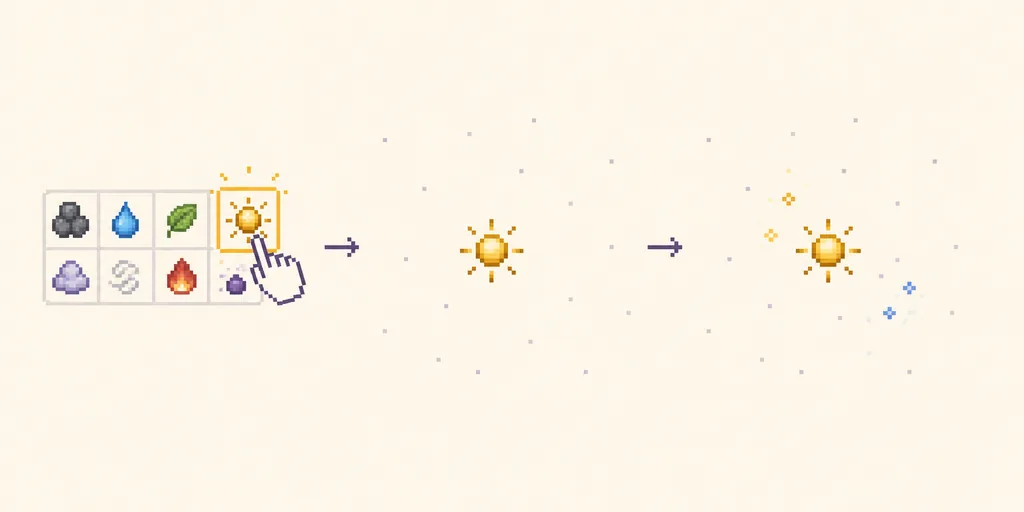
Illustrative test flow: select Sun, place it in a clear area, then observe before changing another variable.
CHECK THE ELEMENT
Find Sun in the element catalog
Search the local catalog for Sun, check its category and related elements, then repeat the selection in your current Sandboxels build.
Pick an element, then click or drag on the canvas.Sandboxels-style pixel experiment canvas
Find a Sandboxels reaction
Choose two elements to see a concise combination note, conditions and a next step.
+
+
?
Choose two elements
The tool will show a result, condition and related guide here.
Search the element catalog
Filter the starter catalog by name, category or state. Use a result to load it into the experiment.
⌕
SUN FAQ
Questions about making a Sun in Sandboxels
Do I need to combine two elements to make a Sun in Sandboxels?
Usually no. Start by searching for the existing Sun element in the palette and place it directly. A later reaction experiment is a separate question and may depend on the build or enabled mods.
Where is the Sun element in the Sandboxels palette?
Search for Sun first. If your interface has no search field, check the energy, special or advanced element groups used by that build. Category names and ordering can change, so the exact label is more reliable than a fixed menu position.
Why can I not find Sun in my Sandboxels game?
Check the spelling, the current palette mode, active filters and enabled mods. If the element is still missing, compare an unmodified or official environment and record the build context before assuming the guide or game is wrong.
What should I test after placing Sun?
Pause and observe the single-element baseline first. Then reset the area and add one material or condition at a time. This makes it easier to identify whether water, heat, timing, placement or a mod caused any later change.
CHECKED SOURCES
Official references for the Sun element
↗
Sandboxels Wiki: Sun
Use the official wiki entry to confirm the element identity and compare the current description with your build.