Sandboxels Toolselements · reactions · mods
English
WORLD-BUILDING GUIDE

Sandboxels Worlds: Creation Ideas to Build and Share

Plan a small Sandboxels world around one clear idea, build it in observable stages, then save or export it to continue or share later.

Start with one scene goal

Sandboxels worlds are scenes arranged on the simulation canvas. Choose one theme, add only the elements needed to show it, and test one change at a time. Save & Load can keep an experiment as a file, though results may vary with build, timing, temperature, placement, and mods.

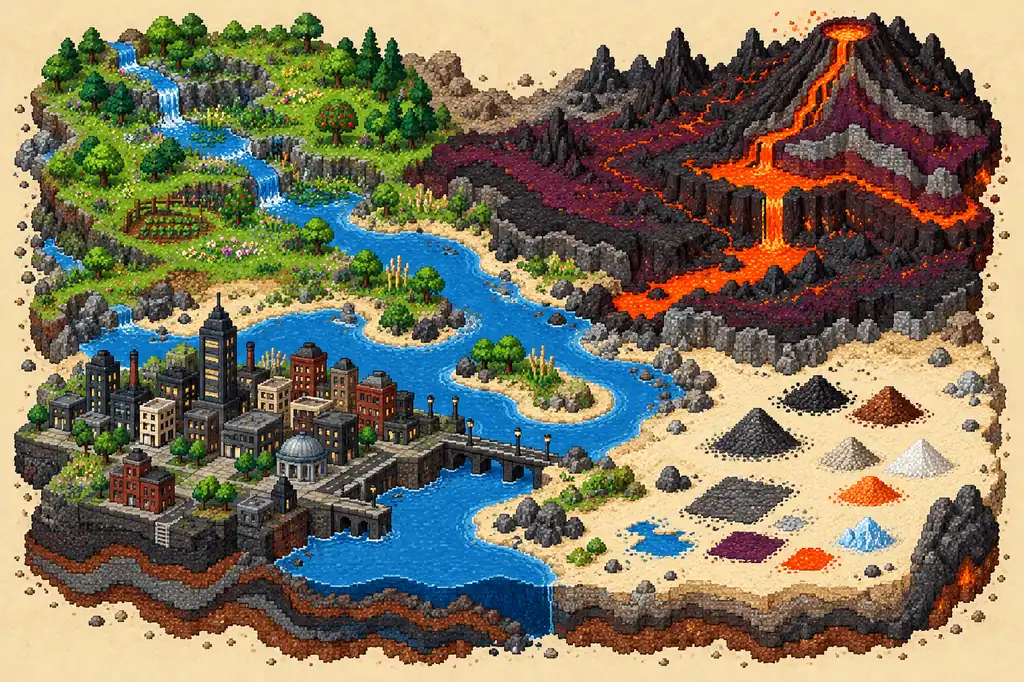
Illustrative pixel-art Sandboxels world with a river, layered terrain, a small city, and distinct areas for creative experiments
Illustration, not an in-game screenshot: one Sandboxels world concept built from separate, readable areas.
FROM IDEA TO WORLD

How to build a Sandboxels world you can explain

  1. 1

    Choose a question

    Write one sentence for the scene: what should a visitor notice, compare, or try? A river crossing, a small garden, or a city under changing weather is easier to plan than an unlimited landscape.

  2. 2

    Make a quiet baseline

    Clear a small area and place the central materials before adding heat, electricity, animals, or extra ingredients. This gives you a simple starting point to compare with later versions of the scene.

  3. 3

    Build the background

    Use a few broad layers to define ground, water, walls, or empty space. Keep the main interaction visible instead of filling every part of the canvas with decoration.

  4. 4

    Add one system

    Introduce one new material or condition, then watch what changes. If several things happen at once, reset or load the baseline and repeat with a smaller change.

  5. 5

    Record and save

    Note the element names, placement, timing, and any visible build or mod context. Save to a slot or export a file through the current Save & Load menu before making a large revision.

Treat each idea as a starting point, not a guaranteed recipe

Sandboxels is a changing simulation. Its official overview describes heat, electricity, density, reactions, and fire spread. A save captures a canvas state; it does not guarantee identical behavior across elements, mods, or later builds. Repeat important observations in your version.
EIGHT STARTING POINTS

Sandboxels worlds: eight ideas to build and test

These prompts give a scene a visible purpose, not a fixed recipe. Use elements from your build, keep an untouched copy, and change one condition to investigate a result.

A water-cycle landscape

Shape a low basin, shoreline, and separate warm area. Leave space to observe movement instead of hiding the water behind decoration.

A volcanic slope

Build a raised rock edge above a clear lower field. Give hot material a controlled route and room to observe its visible effects.

A garden with boundaries

Separate soil-like ground, water, plants, and a barrier into zones. This makes the first change easier to spot.

A destructible city

Use a simple street grid, varied building heights, and a clear edge. Start with one hazard or material; save before testing another condition.

A weather-crossing scene

Place two environments side by side, such as an open field and shelter. Keep their boundary easy to see.

A reaction laboratory

Separate two test spaces and name them in your notes. Try one pair at a time; use Recipes for a known starting combination.

A circuit or machine study

Use available electrical or machine elements in a compact layout. Leave gaps to inspect connections without unrelated materials.

A pixel-art landscape

Block out a horizon, waterline, and a few color regions first. Keep the silhouette recognizable as pixels change.

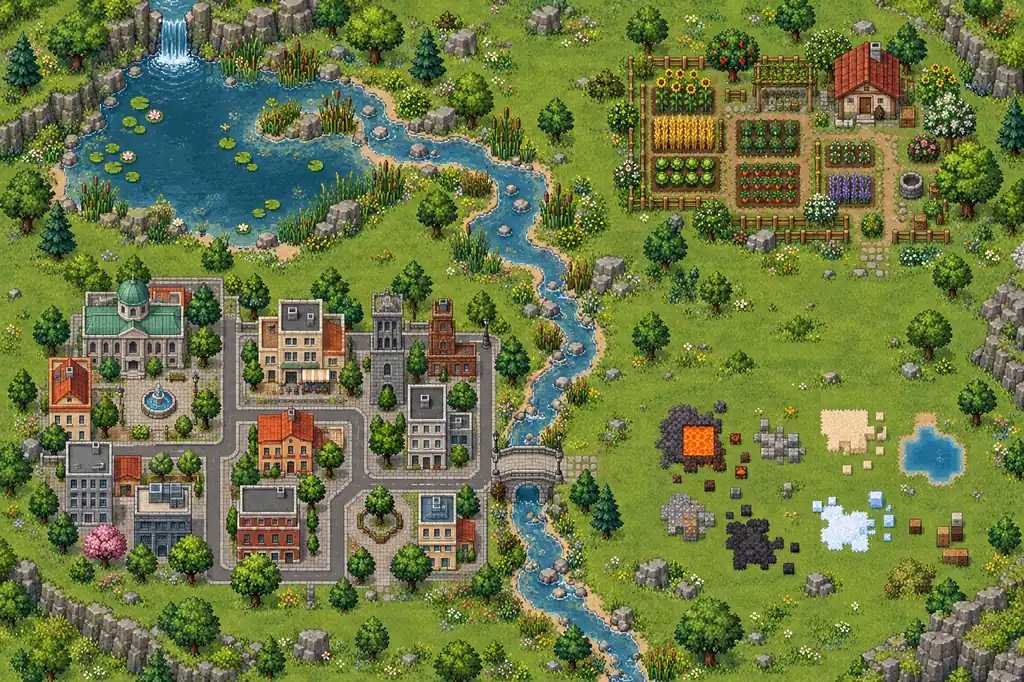
Illustrative pixel-art scene map with separate water, garden, city, and open test areas
Illustration, not an in-game screenshot: separate zones make a scene easier to explain and test.
PLAN THE SCENE

Make Sandboxels worlds readable before making them larger

A useful world communicates its idea quickly. Give it a focal area, a background, and open space around what you want to observe. For a river crossing, the bank and water are the story; unrelated reactions can obscure where to look.

Think in layers: define terrain below, place active materials in the middle, and leave room above to see motion. This is a planning aid, not a game rule. Use names and categories from your palette and keep important paths visible.

A simple limit can strengthen a world idea. Choose a small footprint, a short element list, or one condition to vary. When unsure what to add, ask whether it clarifies the scene or adds noise.

Illustrative pixel-art Sandboxels world concept showing a pond, layered ground, plants, and open space for observing changes
Illustration, not an in-game screenshot: a small landscape leaves room to observe one system at a time.
TEST WITH CONTEXT

Use controlled experiments to make creations repeatable

Keep a baseline before testing. Save or note the starting arrangement, then change one factor such as position, spacing, heat, or a second element. Several changes at once may look dramatic but hide the cause. A repeatable scene helps explain an interaction.

Timing and state matter. Record whether the canvas was running, paused, or stepped, and allow time for an effect to appear. If nothing changes, check names, distance, placement, filters, and enabled mods before rejecting the idea.

Separate design from evidence. Keep the layout imaginative, but describe what you placed and observed in that session. One result is not a universal rule: versions, temperature, or mods may change it.

SAVE AND RETURN

Save, export, load, and share a Sandboxels creation

The first-party repository identifies Saves as the Save & Load menu. A community guide describes saving to a slot or exporting a file, then loading through Load File. Labels can change, so check your current interface.

Before a major revision, export a copy and leave the original untouched. The community guide describes .SBXLS files as JSON save data with a renamed extension and notes that formats have versions. Test files from another build without assuming compatibility; never overwrite your only copy.

The official overview points players to Discord to share creations. This does not establish a built-in public world browser or review of every file. When sharing an export, state the build or mod context and let others inspect unknown files before loading them.

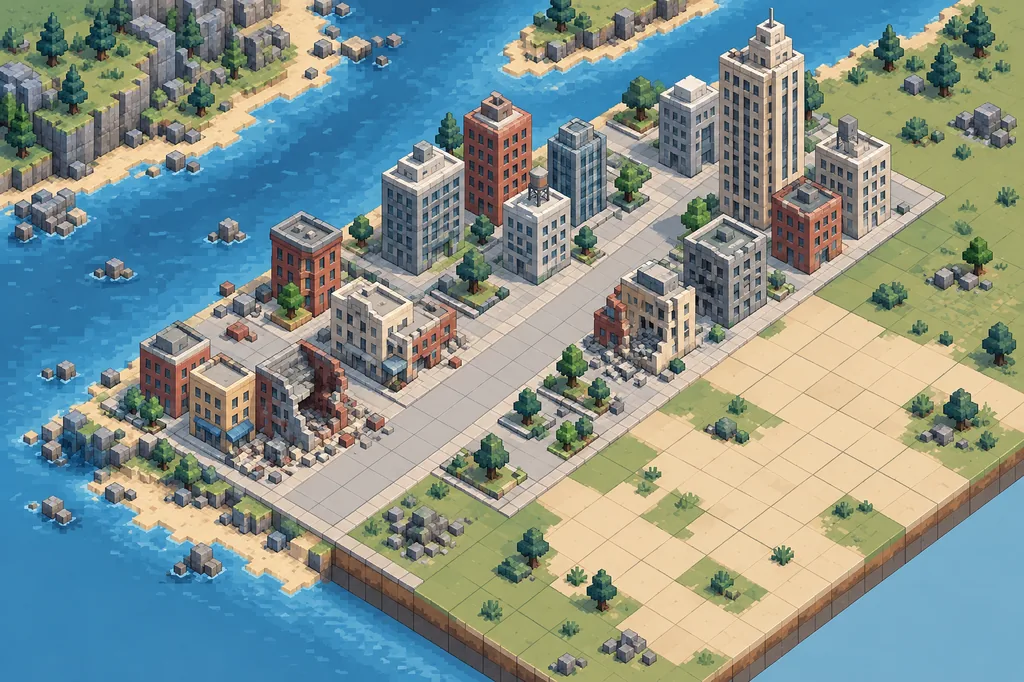
Illustrative pixel-art city scene divided into a baseline layout and a later experiment area, without any game interface
Illustration, not an in-game screenshot: keep a clean baseline so revisions can be compared.
WHEN A SCENE DOES NOT MATCH

Troubleshoot a Sandboxels world without losing the idea

If an element is missing, search its exact label, clear palette filters, and check its category. Mods may add or rename entries; compare with an unmodified environment before redesigning around a missing item.

If a scene changes after reload, test a duplicate export and check its save version. Keep the original, reduce a slow scene, and add elements in groups to find what caused the difference.

If an effect will not repeat, return to the baseline and change one variable. Note element order and position, temperature or heat source, timing, device, build, and enabled mods. The goal is to understand a described test, not prove every world behaves alike.

WORLDS FAQ

Sandboxels worlds and creation questions

Does Sandboxels have a public world gallery?

Official game and repository references describe the simulation, Save & Load, and a community for sharing. They do not establish a built-in public gallery, so a shared save is not necessarily hosted or reviewed.

How do I save a Sandboxels world?

Open the current Save & Load menu and use a slot or the file export option available in your build. Back up before major changes and test a separate copy.

Can I share a Sandboxels save file?

The community guide describes file export, and the official overview points to Discord for sharing. Explain the build or mod context and treat unfamiliar files cautiously.

Why does my Sandboxels world look different after loading?

Save and game versions, mods, timing, placement, and simulation state can affect results. Keep the original export, test a duplicate, and compare one condition at a time.

What should I build first in Sandboxels?

Pick a small idea such as a garden, river, city block, or reaction test. Use few elements, keep the main area visible, and save a baseline first.

SOURCE NOTES

References for world building and saves

Sandboxels official game

Read the first-party overview and current controls. It describes the simulation and directs players to the community for sharing creations.

Open official game

R74nCom Sandboxels source

Check the first-party repository for the Save & Load control and current source context.

Open source repository

Community save guide

A community wiki reference for save slots, file export, loading, and save-version caveats. Confirm menu details in the build you use.

Read save guide
Have a pair of elements in mind?

Compare a starter combination, then keep your world focused on the interaction you want to observe.

Open the recipe finder